How I Built My First WordPress Website Without Spending a Rupee

Built a WordPress website without spending any money

I had no idea how to build a website when I first started. Zero tech skills. I didn’t even know what “hosting” meant. But I figured it out — and the best part? I didn’t pay a single rupee. Yup, it’s possible. If you’re reading this and thinking it’s going to be tough, trust me — it’s not as scary as it looks.

So if you’re trying to build your own site, keep reading. I’ll tell you what worked.

WordPress + Free Builder = Done

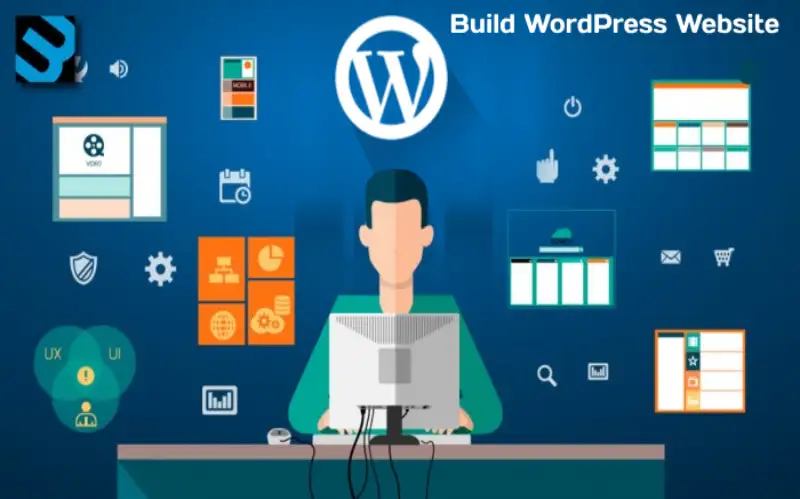
So here’s what I did. I installed WordPress, which is free. Then I added a page builder plugin. This let me drag stuff around on the screen like adding text boxes, buttons, photos, whatever. No coding. It’s like playing with blocks, seriously.

The plugin I used? Elementor. There’s a paid version, but the free one was more than enough for a beginner like me.

Why I Didn’t Pay for Anything

A few reasons, really:

  • I didn’t want to waste money before knowing what I was doing.

  • I wasn’t sure if the site would work out long-term.

  • And well, free tools are there — why not use them?

Honestly, the only thing I paid for later was the domain (you can’t really avoid that if you want a proper website name). But building the site? All free.

Want a website? Contact me — I build professional sites.

The Process Wasn’t Fancy

Here’s how it went down — step by step:

  1. Signed up for hosting – Took a cheap plan with a local host.

  2. Installed WordPress – Took like 5 minutes.

  3. Found a clean theme – Something simple that didn’t look old-school.

  4. Installed Elementor – From the plugins section.

  5. Started building pages – Homepage, About page, Contact, that’s it.

I didn’t follow a guide word for word. I just clicked stuff and learned by messing around. It wasn’t perfect, but it worked.

SEO? I Kept It Basic

I didn’t become an SEO expert overnight. I just followed a few simple rules:

  • I used clear titles and headings.

  • I added image alt text (Google likes that).

  • I kept the site loading fast (used fewer plugins).

  • I installed Rank Math, a free plugin that helped a lot.

That’s all I did. No fancy keywords, no paid tools. And people still found my site through Google after a couple of weeks.

A Few Other Builders (If You Don’t Like Elementor)

  • Spectra – Good if you use the default WordPress editor.
  • SiteOrigin – Not flashy, but works with almost any theme.

You don’t need all of them — just pick one and get started.

Final Thoughts

If you’re hesitating, don’t. Just start. You don’t need coding, you don’t need a web agency, and you definitely don’t need a big budget. Free tools are powerful enough to get your site live.

Once you build that first version, it feels amazing. You’ll mess up a few times — I did — but you’ll figure it out. I never thought I’d be able to build a site on my own.

Recent Post